Dictate anywhere
on your Mac
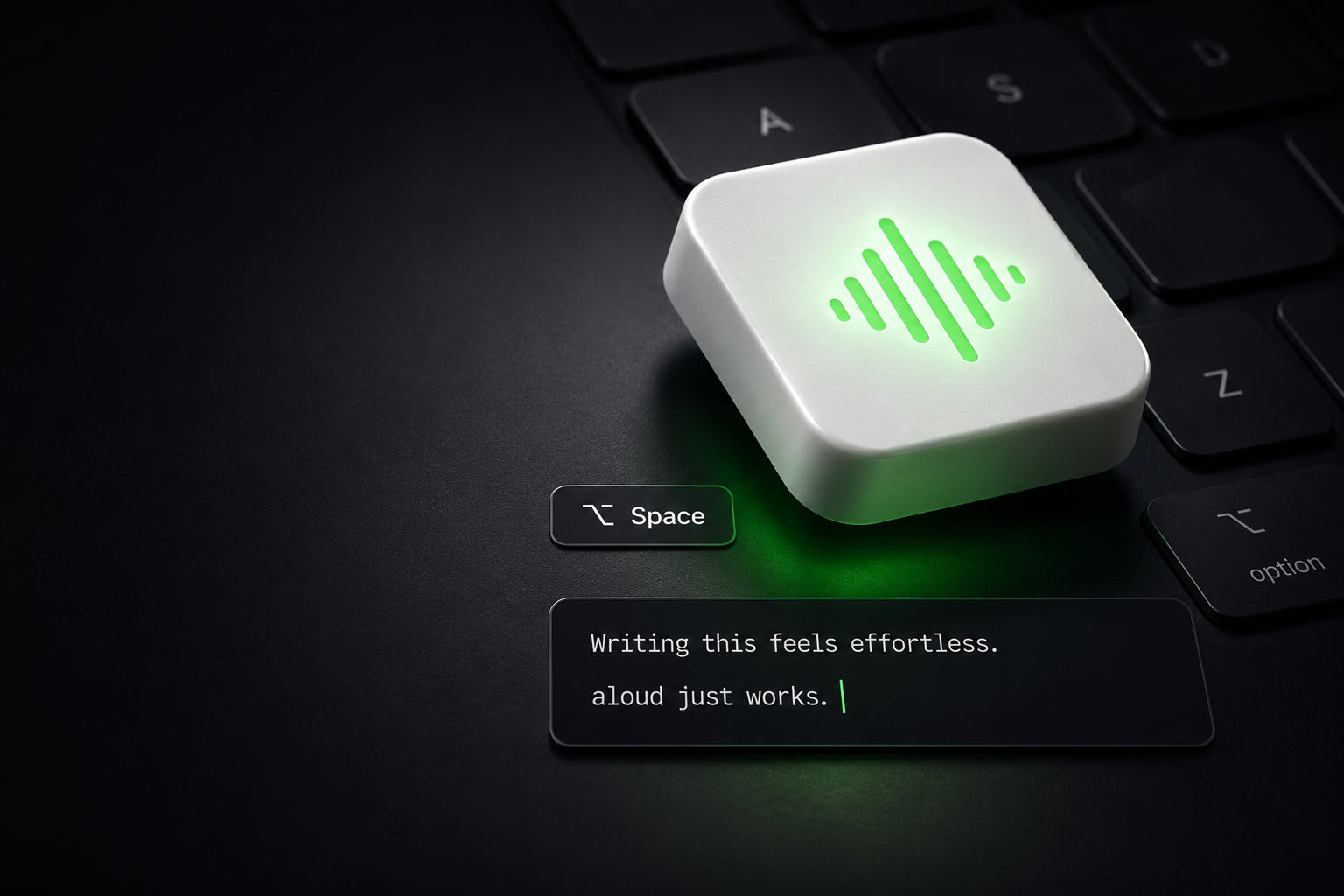
Hold a key, speak, release. Your words appear in any app instantly. Fully on-device.
Hold a key, speak, release. Your words appear in any app instantly. Fully on-device.
Features
Hold any key to record, release to transcribe. Works in every app on your Mac, no exceptions.
Your audio never leaves your Mac. Transcription runs locally using Whisper and Parakeet models.
Words appear in real time in the dynamic notch as you speak, before the final paste.
Detects the active text field and pastes directly. Falls back to clipboard when needed — your transcript is never lost.
About
Aloud is a dictation app for macOS. Hold a key, speak, and release: Aloud transcribes your speech on your Mac and types it straight into whatever app you are using, from your email client to your code editor to a chat window.
All speech recognition runs locally on your device using on-device models. Your microphone audio is never uploaded to any server. Aloud is built for people who would rather talk than type, without giving up control of their voice.
No account is required to use Aloud. Speech recognition runs entirely on your Mac, and your audio is never uploaded. What you say is yours alone.